
More orders, fewer worries, and happy customers
Thanks to the feature
Remote Ordering
Remote ordering is a modern feature in the Elementary POS system that allows customers to order remotely from the table or even from home. The orders are conveniently made via a QR code. This speeds up the ordering process, saves staff costs, increases orders, and enhances customer satisfaction, whether in a restaurant, bistro, cafe, or fast food establishment.
4.8 rating on Google Play

Benefits for Your Business
Efficiency and Time Saving
The remote ordering system speeds up the process of receiving and processing orders, saving staff time and increasing overall business productivity. You can handle more orders with fewer people.
Reducing the Error Rate
Thanks to the digital entry of orders, errors that can occur when transcribing manually are minimized.
Increasing Customer Satisfaction
Faster and more accurate service leads to higher customer satisfaction, as customers will appreciate the modern and convenient way of ordering.
How Does It All Work?
Serviced Establishment
Location of the QR Code
QR codes need to be placed on individual tables.
Viewing the Offer
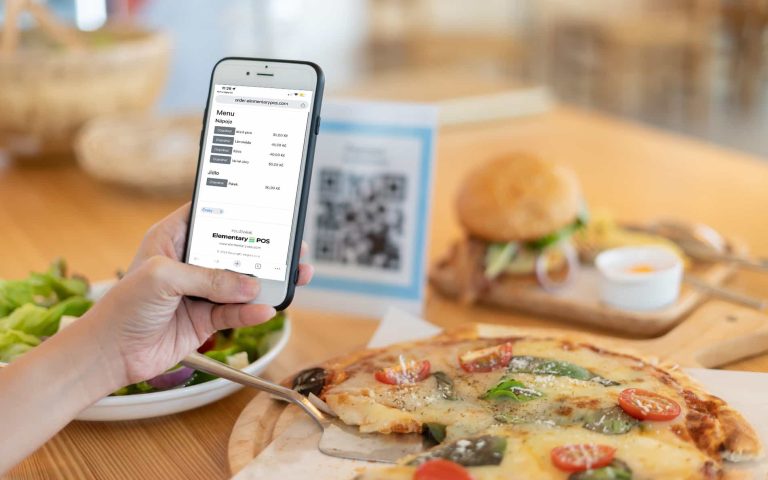
The customer scans the QR code with their mobile device and views the offer. The Elementary POS system allows you to select which sales items to offer as part of remote ordering. You can make available the entire menu or only specific items such as drinks.
Create an Order
The customer selects items from the menu and submits the order directly from their phone.
Order Processing
The order appears immediately on the operator's device. If you connect a display separately, e.g., for the kitchen and bar, orders are automatically sent to the respective device.

Order Delivery
When the order is ready for delivery, the staff can happily bring the order to the customer's table.

Payment
The customer pays by card or cash at the moment of leaving the establishment. Did you know? We're currently developing a feature that will allow guests to pay without needing to call for service!
Unmanned Establishment
QR Code Location
QR codes are placed on tables or in visible places within the establishment.
Viewing the Offer
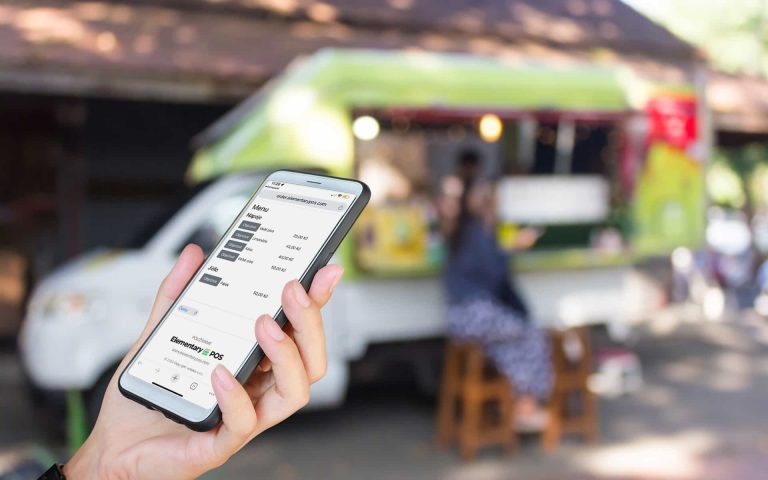
The customer scans the QR code with their mobile device and opens the company's menu. The Elementary POS system allows you to select which items to offer as part of remote ordering. You can make available the entire menu or only specific items such as drinks.
Create an Order
The customer selects items from the menu and submits the order directly from their phone.
Order Processing
The order appears immediately in the establishment.
Order Delivery
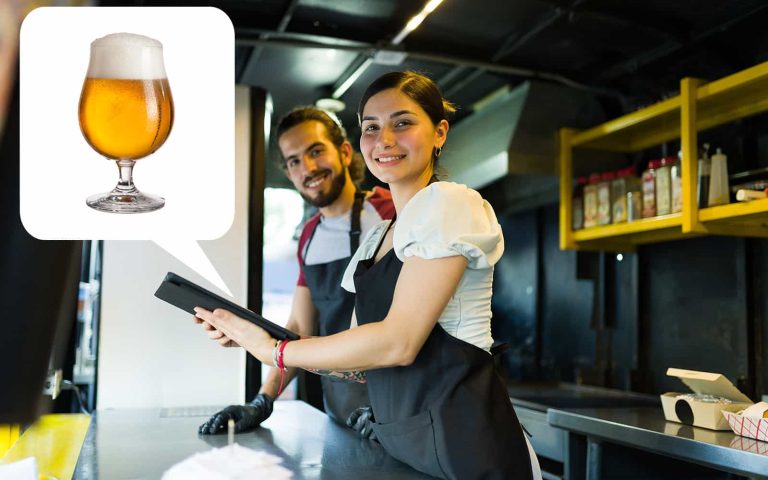
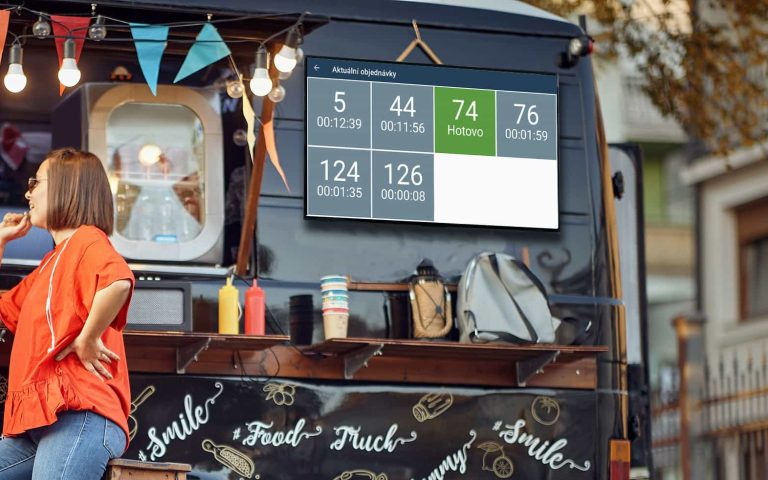
Once the order is ready, the operator changes the order status to "Ready for pickup." The current order status will be displayed on the order display.
Picking Up the Order
When the customer sees on the display that the order is ready for pickup, they retrieve it from the delivery counter and pay directly to the operator. Did you know? We're currently developing a feature that will allow guests to pay without needing to call for service!
Book a demo
Want to learn more about the Elementary POS system?
Contact us today to discuss how we can help you find a POS solution tailored to your business. You can also call us at +44 330 133 1667
By submitting this form, you give us permission to contact you via phone and email and to send you marketing communications. You can unsubscribe at any time. For more information about our privacy policy, please see our terms and conditions.